Why Your Website Visitors Leave Without Contacting You
Website Visitors Leave 10 Reasons and How to Fix Them
Getting visitors to your website is only the first step toward growing your business. The real challenge is turning those visitors into potential customers.
Imagine spending money on advertising, publishing SEO articles, and sharing your website on Facebook and LinkedIn. Your analytics show that people are visiting your website, but nobody is filling out your contact form, requesting a quotation, or booking a consultation.
Why does this happen?
In many cases, visitors leave because they cannot quickly understand your services, do not trust your business, experience technical problems, or find it difficult to contact you.
A successful website should do more than display information. It should guide visitors toward taking action.
In this article, we will explore 10 common reasons why website visitors leave without contacting you and explain practical ways to fix these problems.
1. Your Website Takes Too Long to Load
Website speed is one of the first things visitors experience. If your website takes too long to load, visitors may leave before seeing your services.
Slow websites can result from:
- Large, unoptimized images.
- Too many WordPress plugins.
- Poor-quality hosting.
- Unnecessary JavaScript and CSS.
- Incorrect caching configuration.
- Slow server response times.
How to fix it:
- Compress images using WebP or AVIF.
- Enable page caching.
- Use a reliable hosting provider.
- Remove unnecessary plugins.
- Minimize CSS and JavaScript.
- Use a content delivery network (CDN).
Google’s Core Web Vitals can help you evaluate loading performance, responsiveness, and visual stability.
2. Your Website Does Not Build Trust
Visitors may like your services but still hesitate to contact you if they do not trust your business.
When someone visits a website for the first time, they want to know whether the business is genuine, experienced, and reliable.
Common trust problems include:
- No customer testimonials or reviews.
- No portfolio or previous work examples.
- Missing business information.
- No professional About Us page.
- No privacy policy.
- Outdated website design.
- Broken links or spelling mistakes.
Research insight: Stanford University’s Web Credibility Project developed 10 website credibility guidelines based on three years of research involving more than 4,500 people. Its recommendations include showing a real organization, providing verifiable information, maintaining a professional design, and avoiding errors. Stanford University
How to fix it:
- Add genuine customer testimonials.
- Display your portfolio and completed projects.
- Include a professional About Us page.
- Add business contact information.
- Display relevant certifications and experience.
- Keep your website content updated.
Trust is an important part of converting visitors into potential customers.
3. Your Call-to-Action Buttons Are Not Clear
A visitor might be interested in your service but not know what to do next.
For example, your homepage may explain your services without providing a clear next step.
A good call-to-action (CTA) tells visitors exactly what action they should take.
Examples include:
- Get a Free Consultation
- Request a Quote
- Book an Appointment
- Contact Our Team
- Get Your Website Fixed
- Start Your Project
How to fix it:
Place a visible CTA button in your website header, homepage hero section, service pages, and footer.
Use action-oriented text instead of generic buttons such as “Click Here” or “Learn More.”
Make sure your buttons have enough contrast and work properly on mobile devices.
4. Your Contact Form Is Too Complicated
A complicated contact form can discourage potential customers from submitting their information.
Imagine a visitor who wants to request a website development quotation. Your form asks for their full name, company name, address, phone number, business registration number, budget, and several other details.
They may decide that contacting you requires too much effort.
Research Data 1: Form Complexity
Baymard Institute’s research reports that 17% of US online shoppers abandoned an order because the checkout process was too long or complicated. This finding concerns e-commerce checkout, but it demonstrates how unnecessary form complexity can create friction. Baymard
Form Complexity and Abandonment
US online shoppers reporting checkout abandonment
How to fix it:
Keep your contact form simple. Start with:
- Name
- Email address
- Service required
- Message
Ask for a phone number only when it is genuinely necessary. Add a clear Submit button and a confirmation message after successful submission.
5. Your Website Is Not Mobile-Friendly
Many people discover businesses through smartphones. If your website looks good on desktop but is difficult to use on mobile, you may lose potential leads.
Common mobile problems include:
- Small text.
- Buttons that are difficult to tap.
- Images extending beyond the screen.
- Horizontal scrolling.
- Poorly arranged contact forms.
- Menus that do not work correctly.
How to fix it:
Use responsive WordPress layouts, test your pages on different screen sizes, and ensure that contact buttons are easy to find.
If you use Elementor or Kadence Blocks, check desktop, tablet, and mobile layouts separately.
6. Your Website Loads Slowly
Website speed directly affects the visitor experience.
Research Data 2: Google’s Mobile Speed Research
Google reports that 53% of mobile visits are likely to be abandoned if a page takes longer than three seconds to load. This research is based on mobile website data and is a useful warning about slow-loading pages. Google AdSense Help+1
Mobile Website Abandonment Risk
Mobile Page Loading Speed
Visits likely to be abandoned when loading exceeds 3 seconds
Google research finding
How to fix it:
- Optimize images.
- Enable browser caching.
- Use lightweight themes.
- Remove unused plugins.
- Reduce unnecessary animations.
- Check your website using Google PageSpeed Insights.
7. Your Website Content Does Not Explain Your Services
Visitors should understand what you offer within a few seconds.
If your homepage contains only general statements such as “We provide the best solutions,” visitors may not understand how you can help them.
How to fix it:
Write clear service descriptions.
For example:
Instead of:
“We provide professional digital solutions.”
Write:
“We build responsive WordPress websites, fix website errors, improve loading speed, and customize WooCommerce stores.”
Explain:
- What service you provide.
- Who needs the service.
- What problem you solve.
- Why customers should choose you.
- How visitors can get started.
8. Your Website Has No Strong Portfolio or Case Studies
Customers often want evidence before contacting a service provider.
A portfolio demonstrates your experience and helps visitors understand the quality of your work.
How to fix it:
Create a portfolio section featuring real projects.
For every project, include:
- Project overview.
- Client requirements, where permitted.
- Problems you solved.
- Technologies used.
- Screenshots of completed work.
- Measurable results, when verified.
For example, a WordPress developer can display website redesigns, Elementor projects, WooCommerce stores, speed optimization results, and bug-fixing examples.
9. Your Contact Information Is Difficult to Find
Some visitors prefer calling, emailing, or sending a WhatsApp message instead of completing a form.
If they cannot find your contact details, they may leave.
How to fix it:
Make contacting your business simple.
Include:
- Contact page in the main menu.
- Email address.
- Phone number, if available.
- WhatsApp contact option, where appropriate.
- Business hours.
- Contact form.
- Clear CTA buttons.
Test every contact method regularly to ensure it works.
10. You Are Not Tracking Website Visitor Behaviour
Without analytics, you may not understand why visitors leave.
For example, your website may receive 1,000 monthly visitors, but only a few people contact you.
You need to investigate which pages receive traffic, which pages visitors leave, and whether your contact forms are working.
Research Data 3: E-commerce Cart Abandonment
Baymard Institute reports a global average shopping cart abandonment rate of approximately 70.19%. This is specifically an e-commerce shopping-cart statistic, not a general website contact-form abandonment rate. It highlights the importance of understanding where users stop in a conversion journey. Baymard+1
E-commerce Cart Abandonment
Shopping Cart Abandonment
Global average reported by Baymard Institute
How to fix it:
Use Google Analytics 4 to understand website traffic and user interactions. Set up conversion tracking for:
- Contact form submissions.
- Phone number clicks.
- WhatsApp button clicks.
- Consultation bookings.
- Quote requests.
You can also use Microsoft Clarity to understand how visitors interact with your website through session recordings and heatmaps.
How to Measure Your Website’s Performance
| Tool | What it helps you measure |
|---|---|
| Google Analytics 4 | Traffic and user behaviour |
| Google Search Console | Search clicks and impressions |
| Microsoft Clarity | Heatmaps and session recordings |
| Google PageSpeed Insights | Website speed and performance |
| WordPress form analytics | Form submissions and errors |
Do not focus only on website traffic. Focus on how many visitors become genuine leads.
11. Create a Website That Converts Visitors Into Customers
Your website should work like a salesperson who is available 24 hours a day.
Every important page should guide visitors through a simple journey:
Step 1: Attract Visitors
SEO, Google, Facebook, LinkedIn and advertising
Step 2: Build Trust
Professional design, portfolio, reviews and useful content
Step 3: Encourage Action
Clear CTA buttons, simple forms and contact options
Step 4: Generate Leads
Consultation requests, enquiries and potential customers
Remember that increasing website conversions is not about adding more buttons or popups. It is about understanding visitor problems and making the next step easy.
If your website receives visitors but nobody contacts you, it may be time to improve more than your marketing strategy.
Slow loading speeds, poor mobile experiences, complicated contact forms, missing trust signals, unclear service descriptions, and weak calls to action can all create barriers.
Start by checking your website speed, reviewing your contact forms, improving your homepage content, and adding genuine customer proof.
Make it easy for visitors to understand your services, trust your business, and contact you.
Your website should not just attract visitors. It should turn interested visitors into meaningful business opportunities.
Need Help Improving Your WordPress Website?
A professionally designed and optimized WordPress website can help create a better experience for your visitors.
Consider reviewing these services:
- WordPress website design and customization.
- Elementor Pro development.
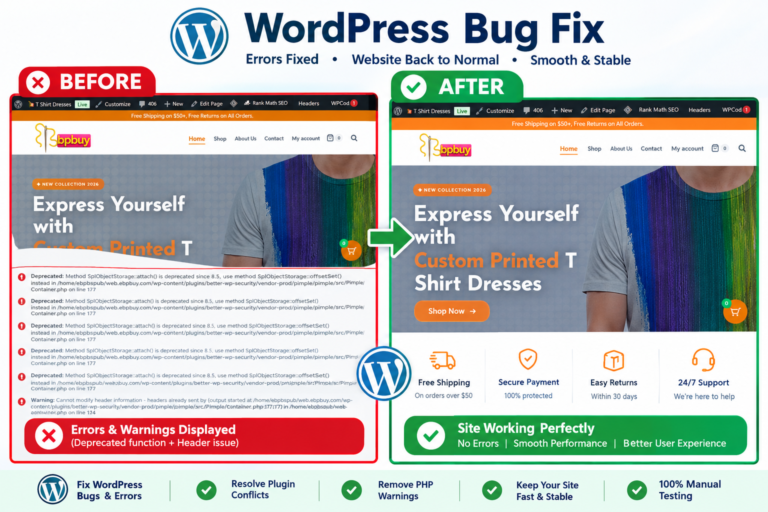
- WordPress bug fixing.
- Website speed optimization.
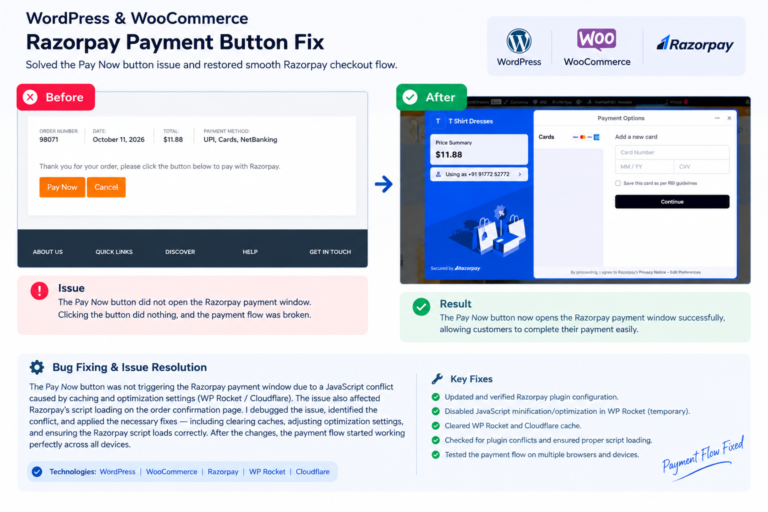
- WooCommerce customization.
- Contact form and conversion tracking setup.