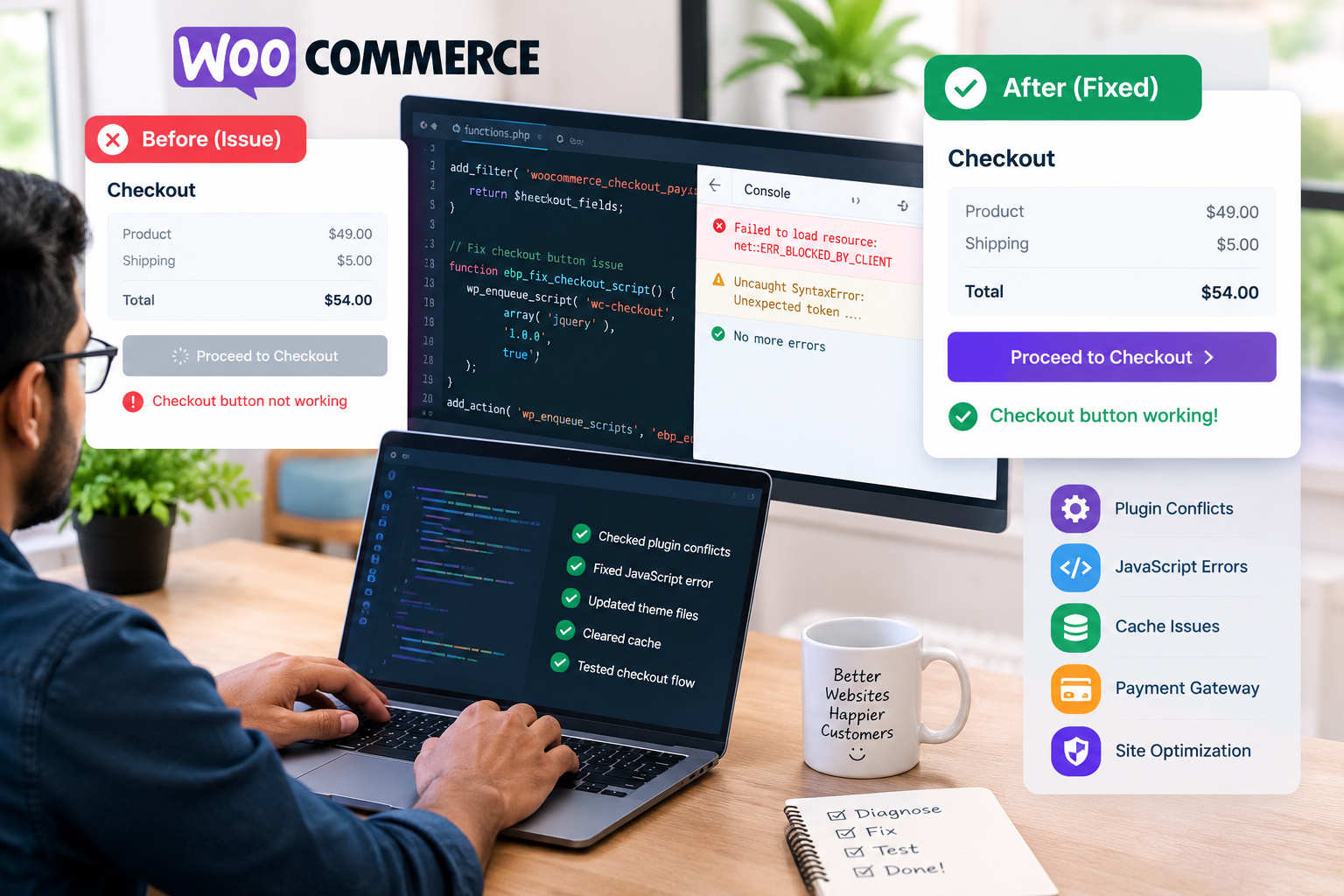
Why Your WooCommerce Checkout Button May Not Work
The WooCommerce Checkout Button is one of the most important elements of an online store. Customers use it to proceed with their purchases and complete orders. If the button does not respond, keeps loading, or displays an error, customers may leave without buying.
For store owners, this problem can mean lost sales, frustrated customers, and reduced trust. Understanding the common causes can help you identify and fix checkout problems before they affect more shoppers.
How Popular Is WooCommerce?
WooCommerce is one of the world’s leading e-commerce platforms. According to BuiltWith data reported in 2026, approximately 6.4 million live websites use WooCommerce technology, while narrower estimates identify around 4.2 million active WooCommerce stores.
Other e-commerce platforms also have a significant presence:
Note: These figures use different counting methods and should not be treated as directly equivalent. Sources: BuiltWith WooCommerce statistics and Magento statistics.
With millions of websites relying on WooCommerce, reliable checkout functionality is essential.
1. Plugin Conflicts
One common reason the WooCommerce Checkout Button stops working is a conflict between plugins. Payment gateways, checkout builders, caching tools, security plugins, and optimization plugins can interfere with checkout scripts.
For example, a custom checkout plugin may conflict with a payment gateway, preventing the button from responding.
How to fix it: Back up your website and test it on a staging site. Temporarily deactivate non-essential plugins, then reactivate them individually to identify the conflict.
2. JavaScript Errors
WooCommerce relies on JavaScript to update checkout fields, calculate totals, validate information, and process customer actions. If a script fails, the button may become unresponsive.
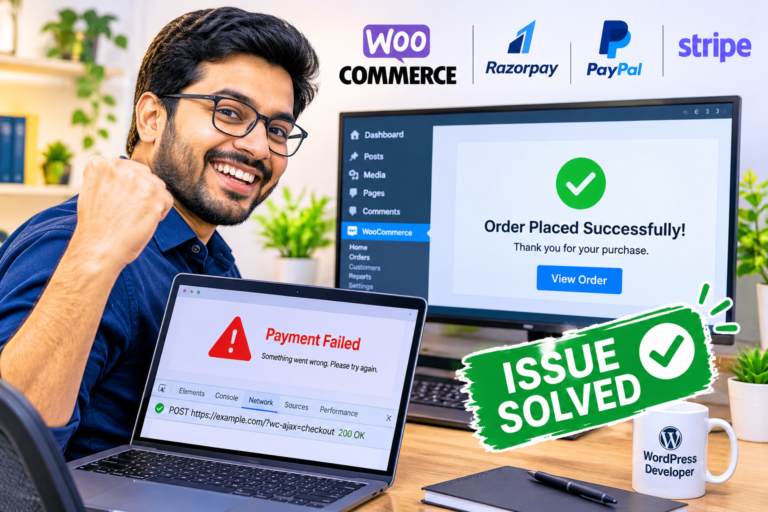
Open your browser’s developer tools and check the Console tab for JavaScript errors. Also inspect the Network tab for failed requests.
How to fix it: Check for outdated scripts, theme conflicts, and errors introduced by custom JavaScript. Resolve the underlying error rather than hiding it.
3. Caching and Optimization Issues
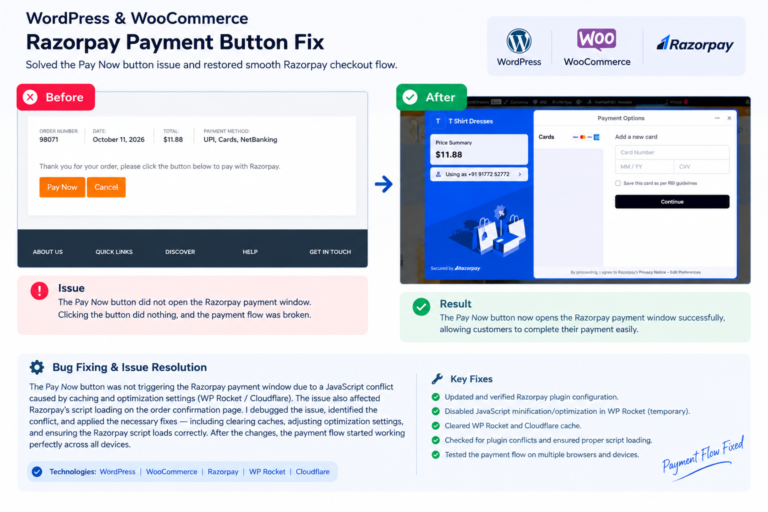
Caching and performance plugins can sometimes serve outdated checkout content or delay essential scripts. Minification, combining JavaScript files, and aggressive caching may interfere with dynamic checkout functionality.
How to fix it: Exclude cart, checkout, and account pages from page caching where appropriate. Review JavaScript optimization settings, clear all relevant caches, and retest in a private browser window.
4. Payment Gateway Problems
A checkout button may work correctly while the payment process fails because of incorrect gateway settings, API errors, expired credentials, or server communication problems.
How to fix it: Verify the payment gateway configuration, check WooCommerce logs, and review the gateway’s error messages. Never assume that a button issue is caused by the payment provider without testing.
5. How Many Customers Face Checkout Problems?
There is no dependable public statistic showing exactly how many WooCommerce stores experience a non-working checkout button.
However, checkout problems affect online shopping more broadly. A 2026 consumer study commissioned by WooCommerce in partnership with Stripe reported that 75% of surveyed shoppers had abandoned a cart, and 63% of those shoppers attributed abandonment to checkout and payment problems.
These figures describe surveyed shoppers, not the percentage of WooCommerce websites with broken buttons. Nevertheless, they demonstrate why a smooth checkout experience matters.
The WooCommerce Checkout Button may fail because of plugin conflicts, JavaScript errors, caching settings, payment gateway issues, or server problems. Systematic testing is the best way to identify the actual cause.
If your checkout button does not work, test the checkout process, review browser errors, inspect WooCommerce logs, and verify payment settings. Fixing the issue promptly can improve customer experience and help protect potential sales.
Need help resolving a WooCommerce checkout issue? A WordPress developer can investigate plugin conflicts, payment errors, and checkout functionality to help restore a reliable purchasing experience.