Fix Razorpay Pay Now Button Not Working in WordPress WooCommerce
WooCommerce Razorpay Payment Button Troubleshooting
1. What Was the Problem?
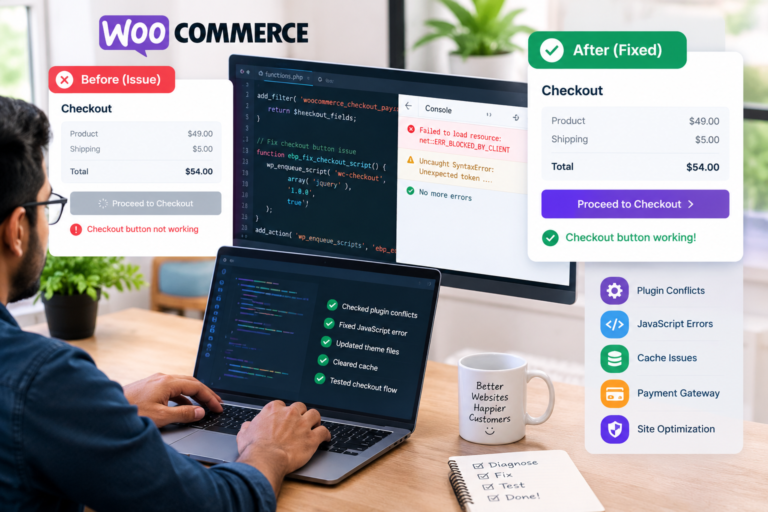
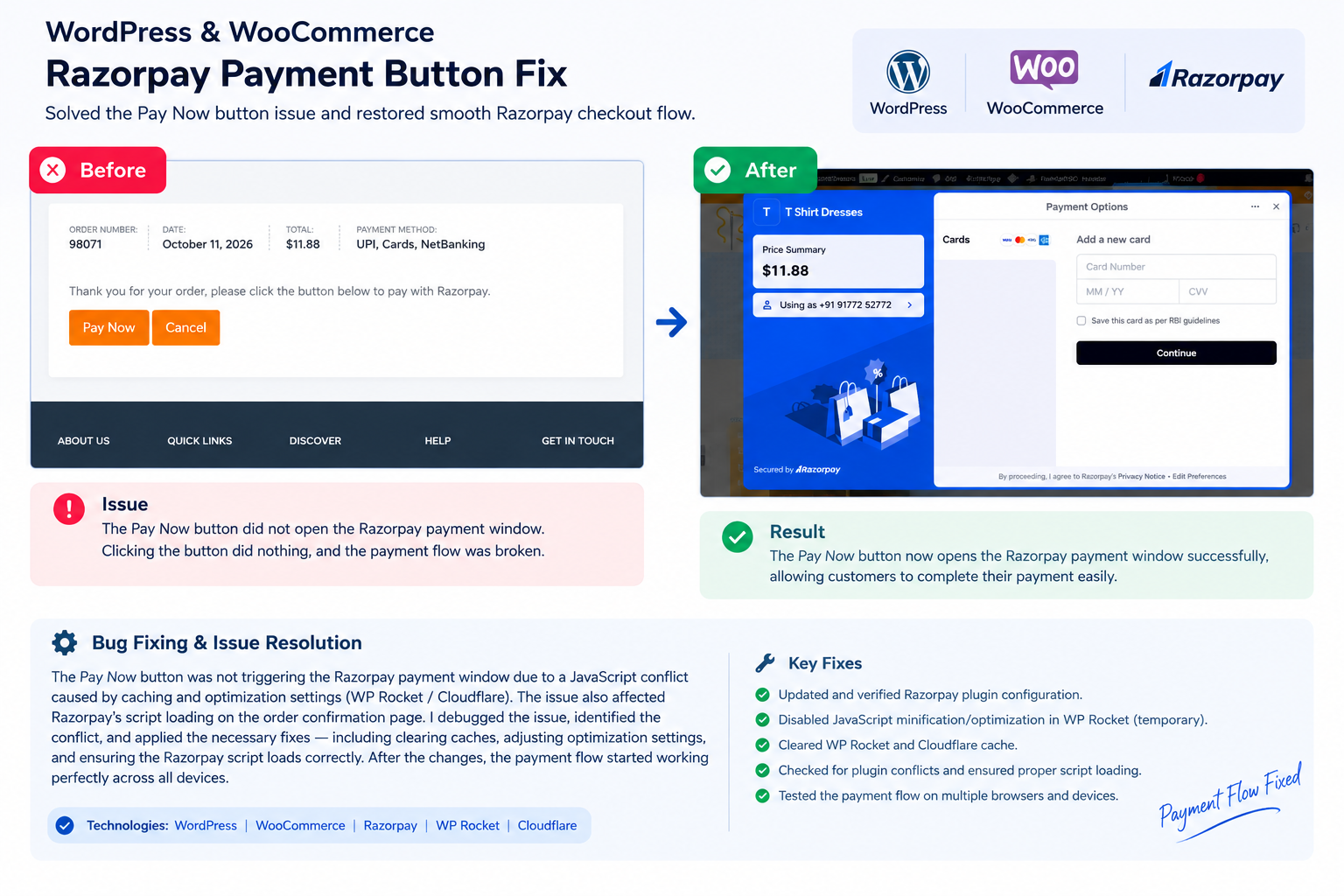
The EBPBUY WooCommerce store had a payment issue on its order-payment page. Customers could reach the checkout payment page, but clicking the Pay Now button did not open the Razorpay payment window.
Browser console logs revealed several JavaScript errors, including missing WordPress JavaScript dependencies, a LiteSpeed Cache guest.vary.php request returning 403 Forbidden, and a JSON parsing error. These issues suggested that JavaScript optimization or script-loading conflicts could be interfering with the payment process.
2. Who Can Benefit From This Solution?
This type of troubleshooting is useful for:
- WooCommerce store owners using Razorpay.
- E-commerce businesses accepting online payments.
- Small businesses experiencing checkout failures.
- WordPress developers managing payment gateway integrations.
- Online stores using LiteSpeed Cache or other JavaScript optimization tools.
3. My Work
My troubleshooting process focused on identifying the root cause of the non-responsive payment button and investigating potential conflicts between the payment gateway and website optimization settings.
My work included:
- Inspecting browser console errors and network requests.
- Investigating JavaScript dependency and execution-order issues.
- Checking LiteSpeed Cache optimization settings.
- Reviewing WooCommerce checkout and order-payment page caching.
- Recommending targeted troubleshooting steps for the Razorpay integration.
- Planning repeat tests to verify payment gateway functionality.
4. What Was My Challenge?
The main challenge was identifying why the payment button was not responding despite the payment page loading.
Several JavaScript errors appeared together, making it necessary to distinguish the primary issue from unrelated warnings. The LiteSpeed Cache 403 response and missing JavaScript dependencies provided important clues, but further testing was required to confirm the exact root cause.
Payment functionality also required careful testing to avoid duplicate or unintended live transactions.
5. Why Was This Solution Appropriate?
A systematic troubleshooting approach helped narrow down potential causes without immediately changing payment credentials or modifying plugin code.
Temporarily disabling JavaScript optimization, purging cached files, checking checkout-page exclusions, and reviewing browser errors are useful diagnostic steps for identifying script-loading conflicts.
This approach prioritizes payment reliability, customer experience, and safe testing before making permanent configuration changes.
6. Final Result
The investigation identified JavaScript execution and caching conflicts as key areas requiring attention. The recommended troubleshooting steps focused on isolating the conflicting optimization settings and validating the Razorpay payment flow.
Project status: Troubleshooting in progress. The Pay Now button had not yet been confirmed as fixed at the time of documentation.
The intended outcome is a reliable payment process that allows customers to proceed from the WooCommerce order-payment page to Razorpay checkout smoothly.